To celebrate our launch – all programmes on special offer until end of September.

  1. Programmes
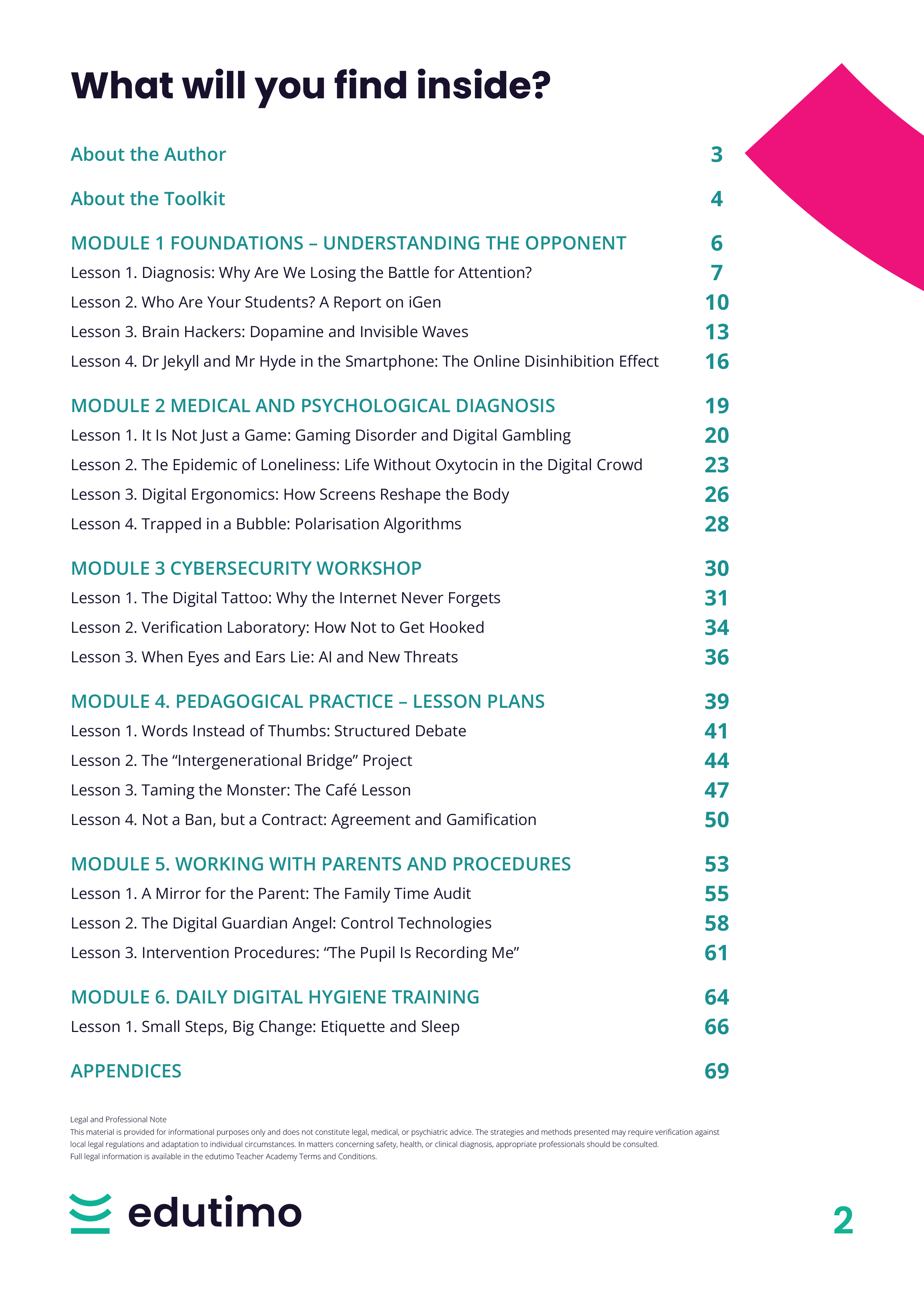
  2. Smartphones in School
Jolanta Kawaler
Specialist in challenging behaviors

Smartphones in School

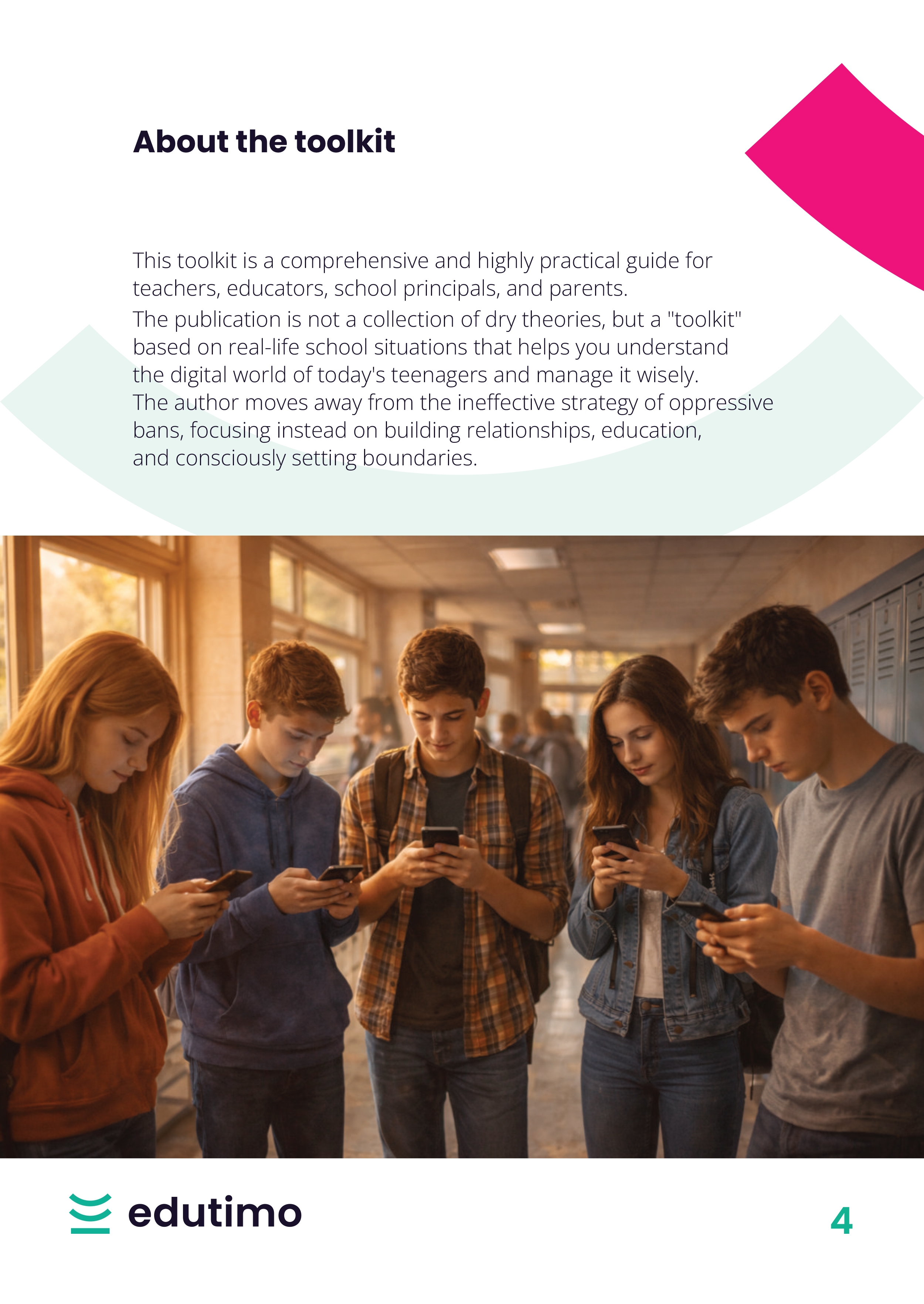
A practical training programme for teachers dealing with smartphones in school, including distraction, hidden screen use, online aggression, gaming problems, digital safety risks, parent cooperation and classroom procedures.

Essential

£59.00

£89.00
One-time · 12 months access
  • 6 video modules
  • 22 classroom materials
  • 3 case study
  • Certificate
  • Teacher's Toolkit
  • Full materials library
Professional Recommended

£89.00

£129.00
One-time · 12 months access
  • 6 video modules
  • 39 classroom materials
  • 8 case studies
  • Certificate
  • Teacher's Toolkit (74 pages)
  • Knowledge Booster (30 days)

Is this for you?

This programme is not for you if you are looking for a simple “ban phones and problem solved” approach without psychological, educational and procedural tools.

What you'll implement?

What's inside this programme?

Video modules

6 modules · approx. 75 min total · one film per module
  1. 1
    Introduction
    3 min
    Free preview
    The programme opens by showing that smartphones are now a permanent part of school life: in pupils’ backpacks, during breaks, in peer relationships, in emotions and in everyday tensions faced by teachers. It sets the key question: not whether school should react, but what role adults should play in the digital world and where the boundaries of responsibility lie for the school, teacher and parent.
  2. 2
    Foundations – understanding the opponent
    16 min
    Available after purchase
    Why traditional bans often fail, how smartphones become forbidden fruit, who the iGeneration really is, and how apps use dopamine, uncertainty and online disinhibition to shape behaviour.
    Lessons in this module
    1. Diagnosis: Why Are We Losing the Battle for Attention?
    2. Who Are Your Students? A Report on the iGeneration
    3. Brain Hackers: Dopamine and Invisible Waves
    4. Dr Jekyll and Mr Hyde in the Smartphone, or The Online Disinhibition Effect
  3. 3
    Medical and psychological diagnosis
    15 min
    Available after purchase
    How smartphones affect mental health, sleep, posture, self-esteem and relationships. This module also explains Gaming Disorder, digital gambling, loneliness, smartphone orthopaedics and algorithmic filter bubbles.
    Lessons in this module
    1. It Is Not Just a Game: Gaming Disorder and Digital Gambling
    2. The Epidemic of Loneliness: When Being Connected Means Isolation
    3. Smartphone Orthopaedics, or How the Screen Deforms the Body
    4. Trapped in a Bubble, or How Algorithms Shape Our Views
  4. 4
    Cybersecurity workshop
    13 min
    Available after purchase
    Practical digital safety for pupils and teachers: digital footprints, phishing, fake websites, typosquatting, trust badges, deepfakes, deepnudes and AI voice-cloning scams.
    Lessons in this module
    1. The Digital Tattoo: Why the Internet Never Forgets
    2. Verification Laboratory: How Not to Get Hooked Online
    3. When Eyes and Ears Lie, or Artificial Intelligence and New Threats
  5. 5
    Teaching in practice. Lesson plans
    15 min
    Available after purchase
    Ready-to-use pedagogical tools that replace moralising with active learning. The module includes debate, intergenerational projects, café-style discussion, class contracts and gamification.
    Lessons in this module
    1. Words Instead of Thumbs: The Oxford Debate Scenario
    2. Scrolling Experts: The Intergenerational Bridge Project
    3. Taming the Monster, or Coffee, Tea and Authority
    4. Not a Ban, but a Contract: The Contract Method and Gamification
  6. 6
    Working with parents and procedures
    13 min
    Available after purchase
    How to involve parents, show the real scale of screen time at home, introduce parental control tools and respond calmly when smartphone incidents become formal school matters.
    Lessons in this module
    1. A Mirror for the Parent, or Family Time Audit
    2. The Digital Guardian Angel, or An Overview of Control Technologies
    3. The Student Is Recording Me, or Intervention Procedures and the Law
    4. Small Steps, Big Change: Digital Etiquette and Hygiene

Teacher's Toolkit

74-page implementation guide · PDF · Professional package only
The written companion to the video training. It helps you return to the key concepts, procedures and strategies whenever you need them.
  • Module summaries and key takeaways
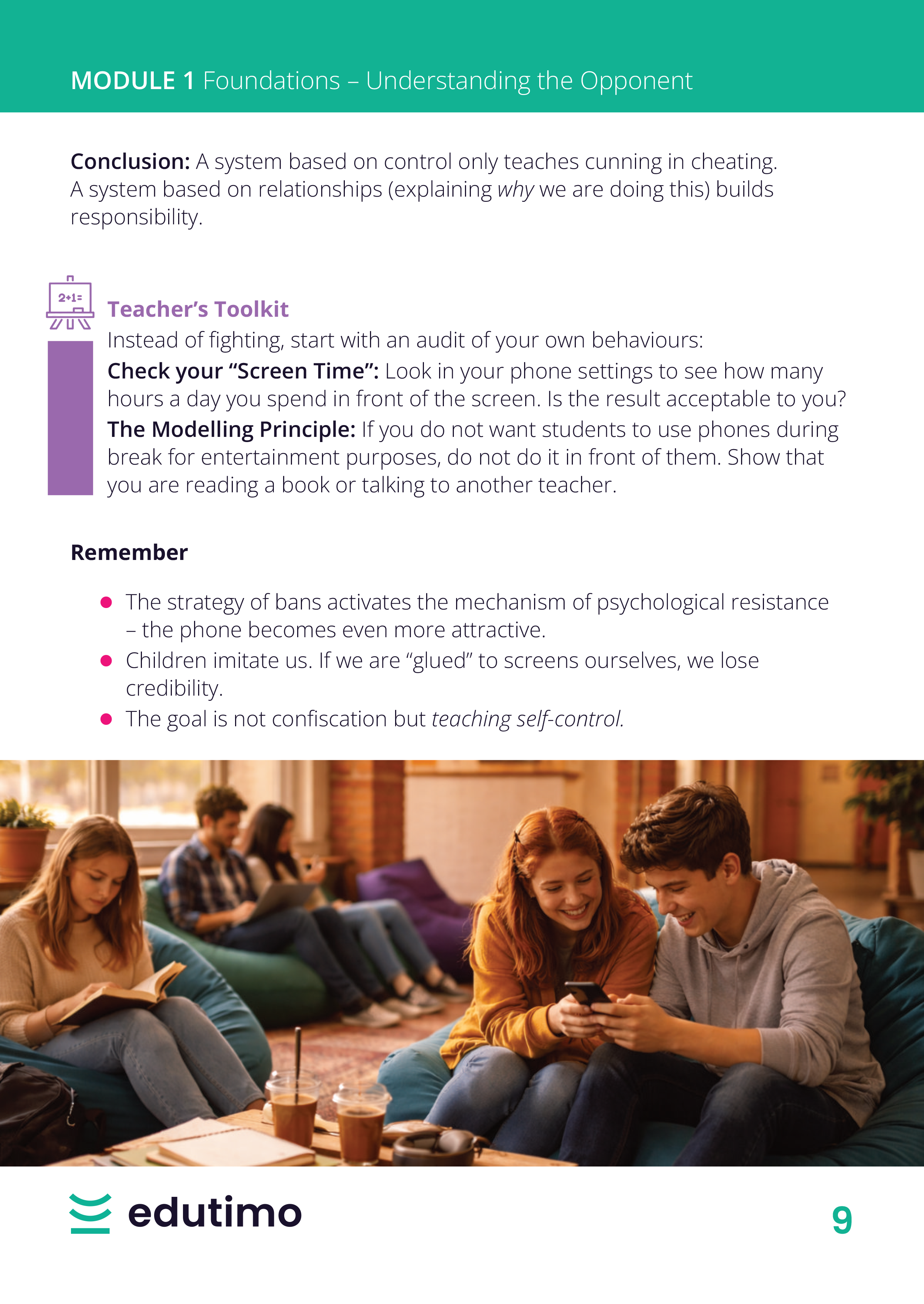
  • Clear explanations of why bans often fail and why smartphones trigger resistance
  • Practical frameworks for understanding dopamine loops, FOMO, JOMO and online disinhibition
  • Medical and psychological context: gaming disorder, loneliness, sleep, posture and digital comparison
  • Cybersecurity guidance on digital footprints, phishing, fake websites, deepfakes and AI voice cloning
  • Ready-made classroom ideas, including debate, intergenerational work, class contracts and digital detox activities
See sample pages

The Living Library

A resource library that grows with the programme

From the start, you get immediate access to selected classroom-ready materials - printable, fillable or ready to display. Additional resources are unlocked according to your access option: Essential or Professional. Some materials are available right away, while others are added gradually according to the programme schedule. And this is not the final version of the library. It is a living, evolving space - we are continuously working on new tools, templates and classroom resources to support your everyday teaching.

  • 39
    materials total
  • 4
    free for everyone
  • 22
    in Essential
  • 39
    in Professional
  • Diagnostic tools
    4 materials
    • Warning Signs Checklist
      Structured observation checklist covering 24 behavioural and emotional indicators of problematic smartphone use
      Essential Open
    • My Digital Profile Quiz
      Self-assessment for teachers on their own screen habits, phone use in lessons and modelling behaviours.
      Free Open
    • Class Digital Audit
      Anonymous pupil survey covering screen time, apps, sleep disruption, social comparison and family rules.
      Essential Open
    • Do I Have Control? Pupil Self-Assessment
      Private pupil self-assessment checking compulsive use, sleep disruption, comparison and ability to disengage.
      Essential Available from 06.07
  • Awareness and communication resources
    5 materials
    • Dopamine Loop Infographic
      Visual explanation of variable reward, dopamine anticipation and compulsive checking
      Free Open
    • Gaming Disorder Signals Infographic
      Visual checklist based on WHO Gaming Disorder criteria, adapted for school observation
      Professional Open
    • How to Spot a Deepfake
      Practical verification guide with visual signs of AI-generated content and checking steps
      Essential Open
    • Digital Vocabulary Glossary
      25 key terms explained in pupil-friendly language, including FOMO, phishing, typosquatting and digital footprint
      Free Open
    • Digital Citizenship Poster
      Classroom poster with eight principles of responsible digital citizenship, such as verify before sharing and protect your privacy
      Essential Open
  • Classroom tools and lesson plans
    5 materials
    • Oxford Debate - Lesson Plan
      Structured debate on smartphone policy, with motions, preparation scaffolding, timing guide and debrief questions
      Essential Open
    • Intergenerational Bridge Project
      Four-week project connecting pupils with older adults through digital skills, interviews and shared reflection
      Professional Open
    • The Silence Experiment
      45-minute lesson comparing focus with phones present and with phones removed from the room
      Professional Open
    • Class Digital Contract
      Editable agreement template for co-creating smartphone rules with pupils
      Essential Open
    • Digital Detective Worksheet
      Cybersecurity activity in which pupils investigate suspicious URLs, possible deepfakes and phishing messages
      Essential Open
  • Cybersecurity and safety procedures
    4 materials
    • Family Safety Password
      Step-by-step family guide for creating a private safety password against AI voice-cloning scams
      Essential Open
    • Intervention Procedures Card
      Four-step teacher procedure for the moment a pupil records a lesson
      Essential Open
    • Incident Record: Digital Safeguarding
      Formal record form for digital incidents, including platform, evidence, people involved, actions taken and DSL notification
      Professional Open
    • Policy Implementation Plan
      12-week whole-school programme for embedding digital wellbeing policy across SLT, staff, pupils and parents
      Professional Open
  • Parent engagement tools
    3 materials
    • Time Colouring Sheet
      Visual parent workshop tool showing how a child’s day is divided between sleep, school, screens and family time
      Professional Open
    • Digital Guardian Angel
      Illustrated step-by-step parental control guide for iPhone, Android, Windows and MacOS
      Professional Open
    • Digital Evening Template
      Complete 90-minute parent/carer session with facilitation notes, activities, Q&A guidance and take-home resources
      Professional Open
  • Case studies
    8 materials
    • Jake, Yr 8: The Dopamine Loop
      Covert checking, 3 a.m. scrolling and the difference between use and dependency
      Essential Read
    • Olivia, Yr 10: The Comparison Algorithm
      Self-image, Instagram, social comparison and algorithmic content selection
      Professional Read
    • Ethan, Yr 11: “At Least He’s Safe at Home”
      Gaming escalation, parental minimisation and safeguarding concerns
      Professional Read
    • Year 9 Class: Two Truths and a Filter Bubble
      A class divided into two information ecosystems without knowing it
      Professional Read
    • Tyler, Yr 9: A Pupil Records the Lesson
      Recording a teacher, online sharing, evidence preservation and intervention steps
      Essential Read
    • Mia, Yr 8: Deepnude in the Group Chat
      AI-generated intimate image, safeguarding response and support for the victim
      Professional Read
    • Mr Henderson: The Café-Style Lesson
      Rebuilding authority with a difficult Year 10 group through structured informal discussion
      Free Read
    • Greenfield Academy: From One-Off Training to Lasting Culture Change
      An SLT-level case study on embedding digital wellbeing over time
      Professional Read
  • Games and simulations
    4 materials
    • Escape Room: Cybersecurity
      Paper-based puzzle game on fake URLs, deepfakes, Family Safety Password and intervention steps
      Essential Open
    • Role Cards: Difficult Digital Conversations
      Role-play cards for class chats, phones at dinner, viral videos, late-night messages and phone bans.
      Essential Open
    • Ethics Design Committee
      Tech ethics simulation on infinite scroll, push notifications, age verification, loot boxes and mental health data
      Professional Open
    • Trial of a Comment
      Courtroom simulation exploring online hate speech, evidence, responsibility and legal consequences
      Professional Open
  • Lesson plans
    4 materials
    • Tech Neck & the Body
      Lesson on posture, neck angle load, blue light, eye strain and corrective habits
      Essential Open
    • Digital Witness
      Lesson on cyberbullying bystanders, action steps and class witness protocol
      Essential Open
    • The Comparison Trap
      Lesson on social media, self-esteem, algorithmic comparison and private reflection
      Essential Open
    • My Digital Will: Letter to My Future Self
      Reflective end-of-programme activity helping pupils define their own digital habit commitment
      Professional Open
  • Extensions and adaptations
    2 materials
    • Oxford Debate Junior Version
      Simplified debate format for pupils aged 11–13, with shorter speeches, scaffold cards and mediator role
      Professional Open
    • Do I Have Control? Pupil Self-Assessment
      Pupil reflection tool for recognising warning signs of compulsive digital use and screen-time loss of control
      Essential Open

Knowledge Booster

The Knowledge Booster helps you return to the programme after completing the video course - step by step, without trying to implement everything at once. Inspired by Ebbinghaus’s forgetting curve: short emails sent at the right intervals to help you remember and apply what you learn.

Professional: 11 emails over 31 days
  1. 1
    Day 1
    Course philosophy
  2. 2
    Day 4
    iGeneration report
  3. 3
    Day 7
    Brain hackers (dopamine)
  4. 4
    Day 10
    Gaming Disorder
  5. 5
    Day 13
    Smartphone orthopaedics
  6. 6
    Day 16
    Digital Tattoo
  7. 7
    Day 19
    Deepfake / voice cloning
  8. 8
    Day 22
    Intergenerational Bridge Project
  9. 9
    Day 25
    Class Digital Contract
  10. 10
    Day 28
    Digital Guardian Angel
  11. 11
    Day 30
    Phubbing, Sacred Sleep
You control when it starts. Activate from your account whenever you're ready - it won't start automatically.

Certificate of completion

Each Edutimo programme includes a short end-of-programme test. After completing the modules, take the test to confirm what you have learned and download your certificate of completion. The test is included in the programme and can be retaken if needed.

Ready? Take the test and get your certificate.

10 questions · approx. 10 min · available after completing all modules

Your trainer

Jolanta Kawaler

Teacher, trainer, mediator and deputy counselling centre director, valued for practical behavioural strategies, creativity and humour.

  • challenging behaviors
  • motivation
  • teaching methodology
  • addiction prevention
  • classroom discipline
What teachers say?

Trusted by teachers across Europe

Beata B.
Teacher
"The content was delivered in a factual way - both in terms of theoretical information and practical guidance."
Anna Z.
Teacher
"It was interesting and informative, with plenty of ideas I can use in my own group."
Kamila I.
Teacher
"A training course of the highest quality. It was very easy to listen to and will be extremely valuable in my future work."
Compare your options

Pricing

Essential

  • Video modules
    ✔️
  • Teacher's Toolkit
    -
  • Living Library
    Partial access
  • Case Studies
    Partial access
  • Knowledge Booster
    -
  • Certificate
    ✔️
£59.00
one-time

Professional

  • Video modules
    ✔️
  • Teacher's Toolkit
    ✔️
  • Living Library
    Full access
  • Case Studies
    Full access
  • Knowledge Booster
    11 emails / 30 days
  • Certificate
    ✔️
£89.00
one-time

Subscription

  • Video modules
    All programmes
  • Teacher's Toolkit
    All programmes
  • Living Library
    All programmes
  • Case Studies
    All programmes
  • Knowledge Booster
    All programmes
  • Certificate
    ✔️
from £21.00 month
all programmes
Questions about this programme

FAQ

  • What's the difference between Essential and Professional?

    Essential includes the core programme and selected practical materials. Professional gives you access to the full implementation library, extended materials and case studies.

  • How long do I have access?

    You receive 12 months of access to the programme after purchase.

  • Does the programme include ready-to-use materials?

    Yes. Depending on your package, you receive templates, scripts, cards, procedures, case studies and classroom tools.

  • What is the Knowledge Booster?

    It is a 30-day email sequence that helps you revisit the most important ideas from the programme and apply them step by step.

  • Do I receive a certificate?

    Yes. After completing the programme, you can download your certificate of completion.

Available now

Featured programmes

Each programme includes video, materials, case studies and a certificate.

Edutimo
97 Królowej Jadwigi St.
30-209 Krakow
Poland
Information
Copyright © 2026 Edutimo